AI clip finder + virality score
Every clip is ranked 0–100 with the reasons behind it, so you post the best ones first.
Clipnova finds the best moments in your podcasts, YouTube videos and webinars, then reframes, captions and translates them into ready-to-post clips for TikTok, Reels and Shorts.
or upload a file · 30 free minutes every month · no card required
Export-ready presets for
No timeline. No keyframes. If you can edit a doc, you can edit a video.
Paste a YouTube, Vimeo, Drive or Dropbox link, or upload a file up to 4 hours long.
We transcribe every word, score each moment for virality and reframe it around the speaker.
Trim by editing text, pick a caption style, translate, and export for every platform in one go.
One workspace replaces the clipping tool, the caption app, the translator and the copywriter.
Every clip is ranked 0–100 with the reasons behind it, so you post the best ones first.
Face tracking keeps the speaker centered in 9:16, 1:1 or 4:5, shot by shot.
Word-by-word styles that boost watch time. Edit text, emojis and highlights inline.
Accurate transcripts in 50+ languages and captions translated into 40, timed to every word, with RTL support.
Safe zones, length limits and loudness tuned for each network. Export everything at once.
Your fonts, colors, logo and caption style, applied to every clip automatically.
Blog posts, X threads, LinkedIn posts, newsletters and show notes from the same transcript.
1 credit = 1 source minute. Re-exports are free. Failed jobs are refunded automatically.
Whether you publish YouTube videos, podcasts, music & entertainment, livestreams, or brand webinars — turn any video into high-retention vertical shorts.
Every episode, 15 clips that bring listeners back
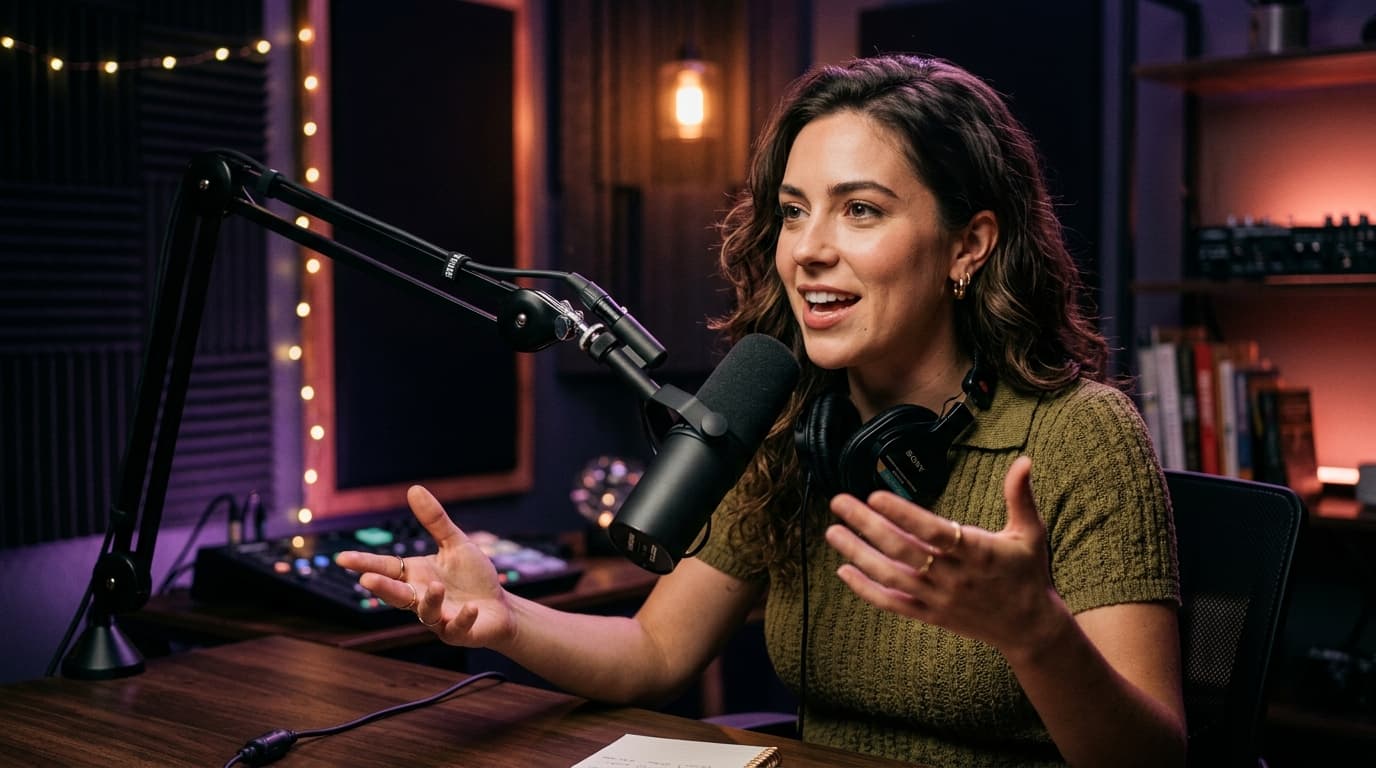
Upload your episode or paste the YouTube link. Clipnova finds the quotable moments, keeps the speaker in frame and adds captions people actually read.
Turn every upload into a week of Shorts
Paste your video link and get ranked, captioned Shorts that funnel viewers back to your channel. Then translate them to reach new audiences.
One webinar. A month of on-brand social content.
Turn webinars, customer interviews and talks into branded clips, posts and threads, with your fonts, colors and logo on every export.
Brainstorm ideas, hooks and full scripts with an AI partner that knows your niche, your voice and what's already working on your channel.
Here are three hooks, tuned for a 20–30s TikTok:
Want me to script #2 in your usual tone?
Start free. Upgrade when your clips start working.
Try it on your next upload
$0forever
No card required
Start freeFor solo creators posting weekly
$12/ month
Billed $144 yearly
Get CreatorFor podcasters & serious YouTubers
$29/ month
Billed $348 yearly
Get ProFor agencies & marketing teams
$79/ month
Billed $948 yearly
Get BusinessNeed more? Top up anytime: 100 min for $8 · 500 min for $30. Compare all features →
Start with 30 free minutes every month. No credit card, no editing skills, no timeline scrubbing.